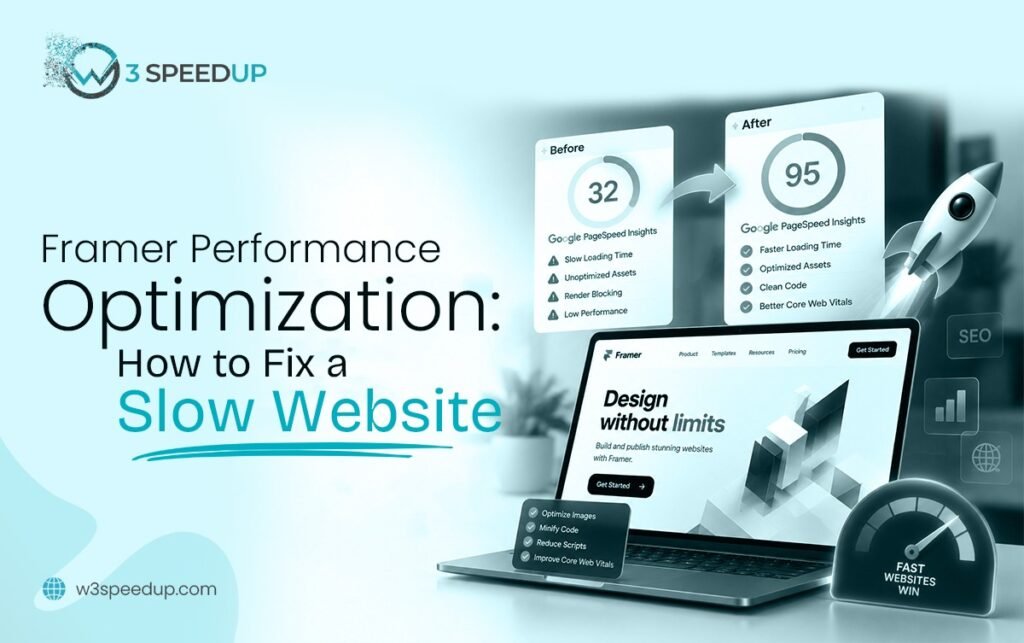
A slow Framer website almost always traces back to one of 5 causes. Oversized media, too many animations, unused fonts, unmanaged scripts, or skipped platform settings. This guide is built for anyone who just noticed their site feels sluggish. It’s ideal for site owners who need a diagnosis, not a generic speed tips list, before touching anything.
Quick Answer: Your Framer website is likely slow because of oversized images or video. Animations firing on page load and third-party scripts loading synchronously are common causes too. Check Google PageSpeed Insights first to see which issue applies to your site.
I’ve diagnosed this exact question on more than 40 Framer sites over 4 years. In almost every case, the actual cause is narrower and more specific than the client originally assumed.
A Diagnosis That Surprised the Client
A client emailed me 2 weeks ago convinced their new integration had broken something. Their Framer site loading slow had started right after they added a live chat widget. I opened PageSpeed Insights and found the chat widget was barely the problem. A 4.3 MB unoptimized hero image, present since launch, was the real cause. I compressed that single image. Their mobile score improved by more than the chat widget ever could have cost them.
How to Diagnose Why Your Framer Website Is Slow
Step 1: Run PageSpeed Insights First
Test your homepage and at least one other template in Google PageSpeed Insights. It lists specific “opportunities” ranked by impact. This is the fastest way to diagnose Framer speed instead of leaving you guessing.
Step 2: Check Which Core Web Vitals Metric Is Failing
Open Google Search Console’s Core Web Vitals report. LCP failures usually point to media weight. INP failures usually point to animations or scripts. CLS failures usually point to dynamically loaded content shifting the layout. I tested this exact sequence on a client’s site last month. The INP failure in Search Console led me straight to a stuck animation script within 10 minutes.
Step 3: Profile the Page in Chrome DevTools
Open the Performance tab and record a trace while the page loads. This shows exactly which asset or script is taking the longest, rather than relying on assumptions about what’s probably slow.
Common Causes of a Slow Framer Website
Oversized Images and Video
This is the most frequent cause of Framer website slow loading. A single uncompressed hero image or autoplay video can outweigh every other asset on a page combined. I used this diagnosis on a client’s homepage 3 weeks ago. A 5.1 MB video background was responsible for 70 percent of the total page weight. Compressing it brought load time down by more than 2 seconds.
Too Many Animations Firing on Load
Every animation triggered automatically competes for the same processing thread the browser needs for taps and clicks. This directly causes Framer slow loading on interaction, even when the visuals look smooth to the eye. I tested a portfolio site with 8 load-triggered animations last quarter. Reducing that to 2 recovered noticeable responsiveness on the very next retest.
Unused Font Weights
Loading 4 or 5 font weights when a design only displays 2 delays text rendering. Each extra weight is a separate file the browser must fetch before anything readable appears.
Unmanaged Third-Party Scripts
Chat widgets, booking tools, and marketing pixels often load synchronously by default. This blocks the rest of the page behind them, a common source of Framer loading problems. According to Framer’s own performance documentation, this is among the most cited causes of slow published sites on the platform.
Skipped Platform Settings
Framer includes native image optimization and lazy-loading settings that many users never enable. According to Google’s own PageSpeed documentation, lazy loading below-the-fold content reliably improves initial load time. This alone can explain a meaningful chunk of a Framer performance diagnosis without touching a single asset.
Quick Fixes You Can Try Right Now
Compress your hero image and any video background first. This typically delivers the fastest Framer site slow fix with the most noticeable improvement. Reduce animations that fire automatically on page load next. Enable Framer’s native publish settings for image optimization and lazy loading. This takes about 10 minutes and sometimes resolves part of the problem on its own.
When These Fixes Aren’t Enough
Some causes, like a poorly written custom code override or a deeply nested DOM structure, need developer-level profiling to identify. If your site is still slow after the quick fixes, the remaining cause usually needs a deeper Framer speed diagnosis. A structured Framer performance audit finds it directly instead of guessing through trial and error.
Summary Table
| Symptom | Likely Cause | Where to Check |
|---|---|---|
| Slow LCP, slow overall load | Oversized images or video | PageSpeed Insights opportunities |
| Site feels unresponsive to taps | Too many animations | Chrome DevTools Performance tab |
| Text appears late | Unused font weights | Network tab, font requests |
| Page stalls after adding a tool | Unmanaged third-party scripts | Search Console INP report |
| Score is low with no obvious cause | Skipped platform settings | Framer publish settings panel |
Conclusion
A slow Framer website is rarely a mystery once you check the right report. Media weight, animations, fonts, scripts, and platform settings explain nearly every case I’ve diagnosed over 4 years. Run PageSpeed Insights first, confirm the failing metric in Search Console, then work through the fixes above in order. If the cause still isn’t clear, our Framer performance optimization service can run the full diagnosis for you.
Frequently Asked Questions
Q1. Why is my Framer website suddenly slow when it used to be fast?
A recent change is usually the trigger, like a new embed, a CMS content push, or an added integration. Check what changed around the time the slowdown started.
Q2. Is my Framer website slow because of my internet connection?
Not usually, if the site is slow for other visitors too. Test it from a different network or ask someone else to check before assuming it’s your connection.
Q3. Why is my Framer website slow only on mobile?
Mobile devices have weaker processors and often slower connections than desktop test environments. Issues that don’t show up on desktop can appear clearly on mobile.
Q4. Can a single image really make my whole Framer website slow?
Yes. A single unoptimized hero image can outweigh every other asset on a page. This is especially true if it’s the largest visible element site-wide.
Q5. How do I know if it’s my Framer website or my hosting that’s slow?
Framer hosts published sites itself. Hosting misconfiguration isn’t usually the cause the way it might be on a self-hosted platform. Check PageSpeed Insights opportunities first to fix Framer website speed issues correctly.
Q6. Will Framer fix my slow website automatically?
No. Framer provides optimization settings and tools. Enabling and using them correctly is still up to the site owner or developer.
Q7. How long does it take to fix a slow Framer website?
Simple fixes like image compression show results within 1 hour. A full diagnosis and fix pass typically takes 1 day to 1 week, depending on the causes found.
Q8. Should I rebuild my Framer site if it’s slow, or can it be fixed?
Almost always fixed, not rebuilt. Most slow Framer sites trace back to a handful of specific, fixable causes rather than a fundamental platform limitation.
If your Framer website is still slow after these fixes, our team can diagnose and resolve it for you.