Website performance is no longer just a technical consideration – it is a critical business factor. Visitors expect websites to load quickly, respond instantly, and remain visually stable throughout their browsing experience. Even a few seconds of delay can lead to higher bounce rates, lower engagement, and lost conversions.
To help website owners measure and improve user experience, Google introduced Core Web Vitals. These metrics focus on three essential aspects of website performance: loading speed, responsiveness, and visual stability. Together, they provide a clear picture of how users experience your website in real-world conditions. Google recommends maintaining strong Core Web Vitals because they contribute to better user experience and can positively impact search visibility.
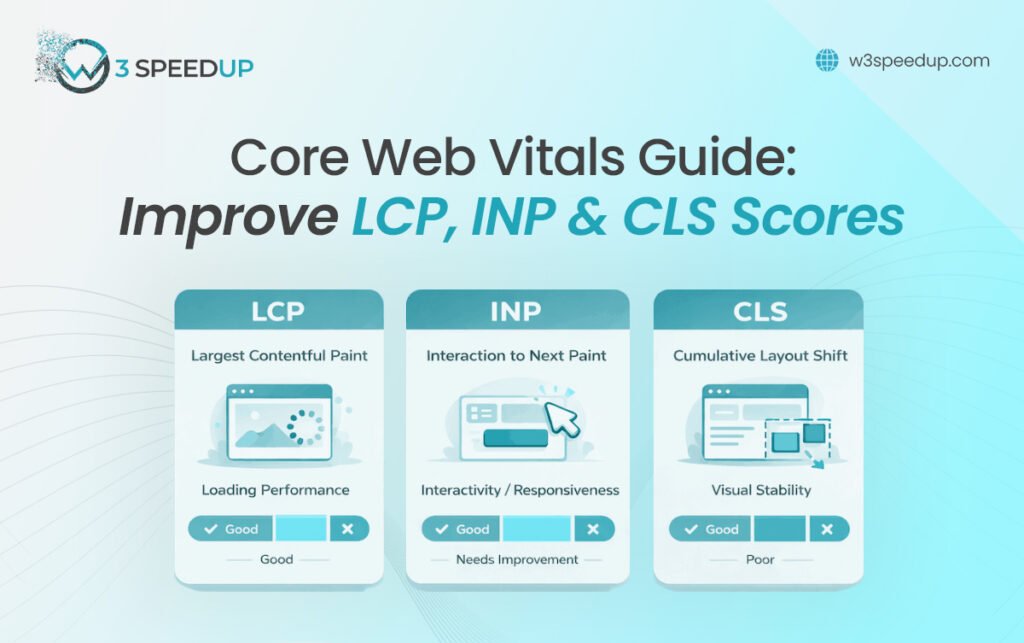
In this guide, we will explain the three Core Web Vitals metrics – Largest Contentful Paint (LCP), Interaction to Next Paint (INP), and Cumulative Layout Shift (CLS) – and show how we have successfully improved these metrics for client websites.
What Are Core Web Vitals?
Core Web Vitals are a set of user-focused performance metrics developed by Google to evaluate real-world website experiences. They measure:
- How quickly the main content loads
- How responsive the website is to user interactions
- How stable the layout remains while loading
The three Core Web Vitals metrics are:
- Largest Contentful Paint (LCP)
- Interaction to Next Paint (INP)
- Cumulative Layout Shift (CLS)
These metrics are based on actual user data rather than simulated testing, making them highly valuable indicators of real website performance.
Largest Contentful Paint (LCP): Measuring Loading Performance
Largest Contentful Paint (LCP) measures how long it takes for the largest visible content element on a page to load. This element is often a hero image, banner, large heading, or featured content section.
Google recommends an LCP score of 2.5 seconds or less for a good user experience.
Why LCP Matters
When users visit a website, they want confirmation that the page is loading properly. If the main content takes too long to appear, visitors may leave before engaging with the site.
Poor LCP scores can result from:
- Unoptimized images
- Slow server response times
- Excessive render-blocking JavaScript
- Unnecessary third-party scripts
- Lack of caching
How We Improve LCP
Our optimization process typically includes:
- Compressing and converting images to modern formats
- Implementing advanced caching strategies
- Optimizing server response times
- Deferring non-critical JavaScript
- Using content delivery networks (CDNs)
- Prioritizing above-the-fold content loading
These improvements help users see meaningful content faster and create a better first impression.
Interaction to Next Paint (INP): Measuring Responsiveness
Interaction to Next Paint (INP) measures how quickly a website responds to user interactions such as clicks, taps, and keyboard inputs.
In March 2024, Google officially replaced First Input Delay (FID) with INP because INP provides a more comprehensive view of page responsiveness.
Google recommends an INP score below 200 milliseconds for optimal responsiveness.
Why INP Matters
Users expect websites to react instantly. Delays in button clicks, form submissions, navigation menus, or interactive elements can create frustration and reduce engagement.
Common causes of poor INP include:
- Heavy JavaScript execution
- Long-running browser tasks
- Excessive third-party scripts
- Inefficient event handlers
- Large frontend frameworks without optimization
How We Improve INP
Our team focuses on:
- Reducing JavaScript execution time
- Breaking up long tasks
- Optimizing frontend frameworks
- Removing unnecessary plugins and scripts
- Improving browser rendering efficiency
- Prioritizing critical user interactions
By improving responsiveness, we help websites feel faster and more interactive for users.
Cumulative Layout Shift (CLS): Measuring Visual Stability
Cumulative Layout Shift (CLS) measures unexpected layout movements that occur while a page loads.
Google recommends maintaining a CLS score below 0.1.
Why CLS Matters
Few things are more frustrating than trying to click a button only to have it move at the last second because another element loads above it.
Poor CLS often occurs when:
- Images lack defined dimensions
- Ads load dynamically without reserved space
- Fonts swap unexpectedly
- Embedded content changes page structure
- Dynamic elements push existing content
How We Improve CLS
We address layout instability by:
- Setting width and height attributes for images
- Reserving space for advertisements and embeds
- Optimizing font loading strategies
- Preventing content shifts during rendering
- Stabilizing page layouts across devices
These improvements create a smoother browsing experience and reduce user frustration.
Our experience optimizing websites such as Crore Win, TestNHire, Miami Turn Up Entertainment, GConnectPro, and Tea Club Germany has shown that improvements like image optimization, JavaScript reduction, enhanced caching, faster content delivery, and reduced layout shifts can significantly strengthen Core Web Vitals while creating smoother and more engaging user experiences.
Why Core Web Vitals Matter for SEO and Business Growth
Although content quality remains one of Google’s most important ranking factors, user experience plays an increasingly significant role in website success. Core Web Vitals help ensure that visitors can access content quickly, interact smoothly, and browse without disruptions.
Strong Core Web Vitals can contribute to:
- Better user satisfaction
- Lower bounce rates
- Higher conversion rates
- Improved engagement
- Greater website credibility
- Enhanced search performance
When users enjoy a seamless experience, they are more likely to stay longer, explore additional pages, and complete desired actions.
Final Thoughts
Core Web Vitals provide a practical framework for evaluating and improving website performance. By focusing on Largest Contentful Paint (LCP), Interaction to Next Paint (INP), and Cumulative Layout Shift (CLS), businesses can create faster, more responsive, and more stable digital experiences.
Our experience working with websites such as Crore Win, TestNHire, Miami Turn Up Entertainment, GConnectPro, and Tea Club Germany demonstrates how strategic optimization can significantly improve user experience and website performance.
As website expectations continue to rise, investing in Core Web Vitals optimization is no longer optional – it is essential for long-term online success. A faster, more responsive website not only satisfies users but also creates a stronger foundation for growth, engagement, and conversions.